Every crate automatically to the right line, without an operator standing by
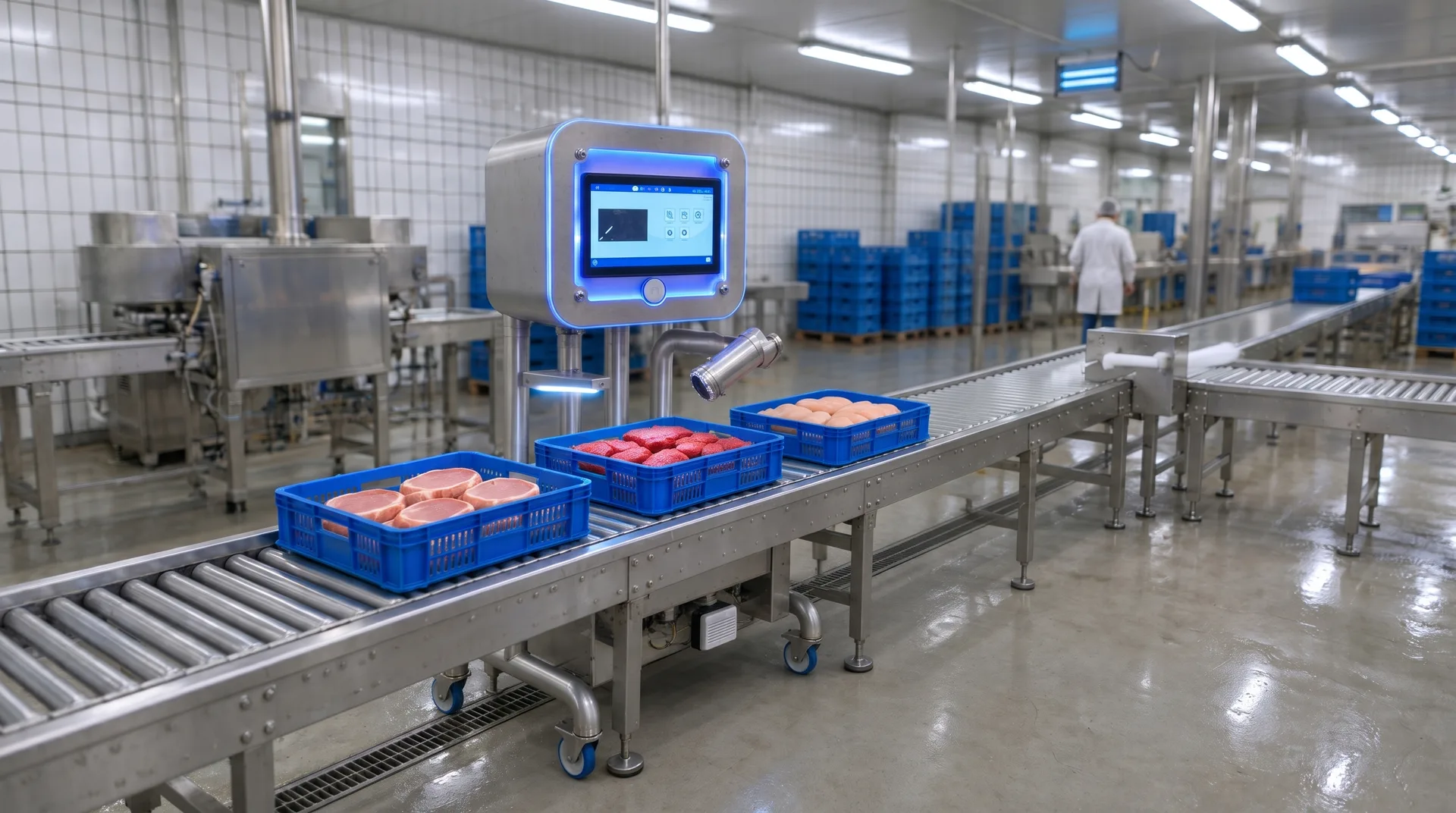
Which meat is in the crate, and which line should it go to? At a meat processor, that decision depended on the experience of a single operator. OptIQ now makes it automatically, for every crate that passes.
Due to a confidentiality obligation, we cannot name the customer.
In short
- Sector: meat processing
- Application: automatic recognition and sorting of crates
- Solution: OptIQ, inline and fully on-premise
The customer
A meat processor that sends crates containing different types of meat via conveyor lanes to the right processing line.
The challenge
Until recently, an operator did this by hand. They stood at the machine, recognised which meat was coming past and used the HMI screen to choose which lane the crate should go to.
The analysis brought a second problem to light: the options on the control screen no longer matched the current product range. The process only worked because employees knew from experience which crate had to go where. That knowledge was in their heads, not in the system. This made the process error-prone, and every new employee had to be specially trained for it.
The solution
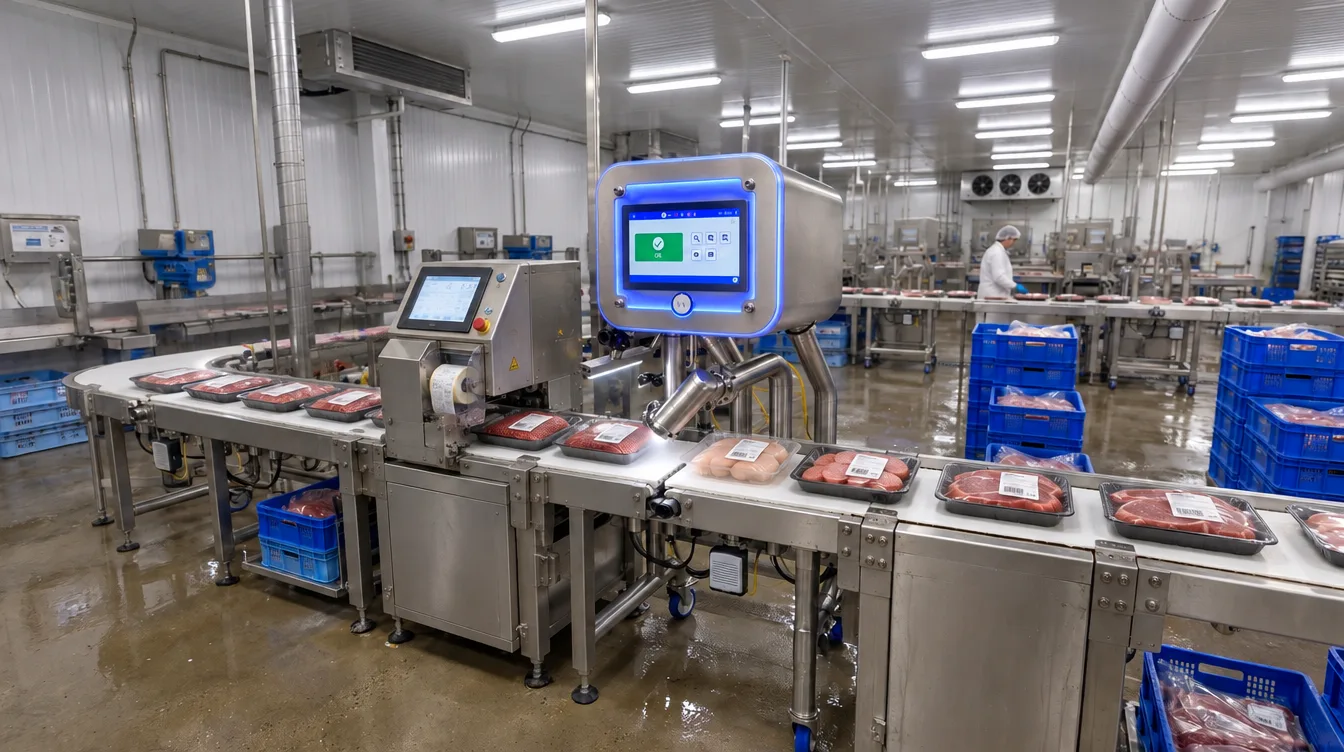
FOQUS installed an OptIQ camera system that recognises every crate the moment it passes and automatically sends it to the right conveyor lane. OptIQ runs fully on-premise, without depending on the cloud.
The system is connected in parallel with the existing installation. This means the customer can switch back to the manual procedure at any time, without major changes to the line.
The result
- Fully automated: an operator no longer needs to stand at the machine to make this choice.
- No more training time: employees no longer have to learn which meat belongs to which lane.
- Knowledge in the system: the choice no longer depends on outdated screens or on experience in someone's head.
- Safe fallback: the manual procedure remains available as a fallback.
The system works as planned: every crate goes to the right lane automatically.
Take the next step
Curious what OptIQ and QUBE can check on your line?
Contact us for a demo.
Book a demo